Macros
macros
Hey Yall:
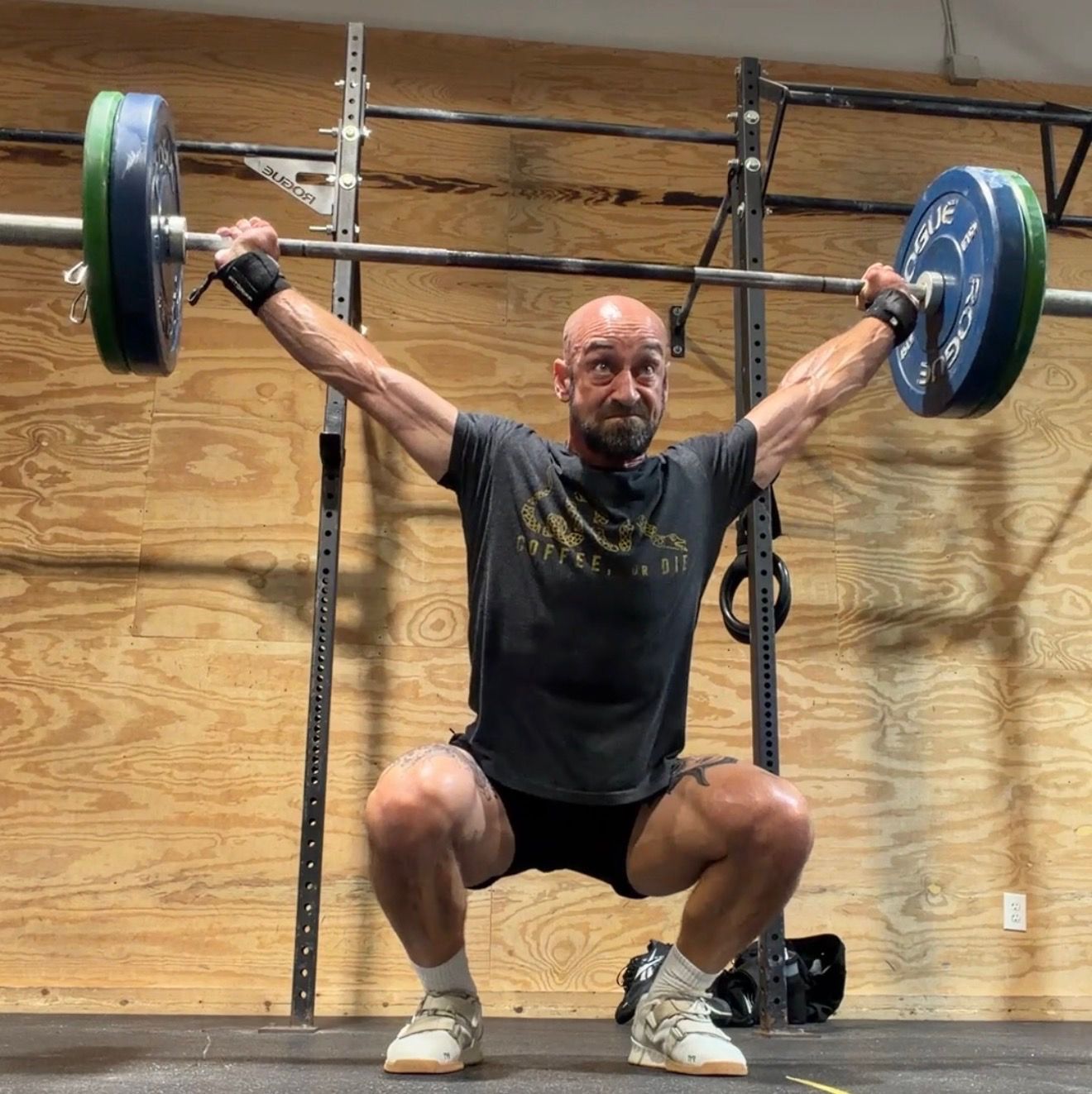
Our very own Jon Hicks recently shared his thoughts on macros and how to work on your diet, strength and fuel. Some call him the TNG version of RFK Jr. who likes to "do his own research." I just call him coach and friend. I wanted to put together a blog on his talk with some resources for those of you who might have a desire to improve their diet.
Explaining Macros like I am 5 years old
Imagine your body is like a super cool race car. It needs three main types of "fuel" from food to run, grow strong, and fix itself after playing hard:
- Protein = the bricks that build and repair muscles (like after you lift heavy things).
- Carbs = the quick energy gas that helps you sprint, jump, and go fast during workouts.
- Fat = the long-lasting energy and stuff that keeps everything running smoothly (joints, hormones, brain).
Macros are just short for these three big nutrients. Everything you eat is mostly made of them (plus tiny vitamins). Here are a few quick (and relatively easy) steps to follow, if you want to give it a go:
Step 1: Calculate Your Macro Targets (Do This Once)
Use this formula for your personal numbers:
- BMR (Basal Metabolic Rate) = (weight in kg × 10) + (height in cm × 6.25) − (age × 5)
- Men: +5
- Women: −161
- TDEE (Total Daily Energy Expenditure) = BMR × activity multiplier
- Lightly to moderately active (3–5x/week training): 1.5 (Jon’s recommended default)
- Very active (daily intense training): 1.7–1.8
- Calorie Target = TDEE × deficit multiplier
- 1.0 = maintenance
- 0.9 = recommended for most (lose fat while building muscle)
- 0.85–0.89 = only if 35%+ body fat
- Macros (as % of calories):
- Protein (g) = Calories × 0.3 ÷ 4
- Carbs (g) = Calories × 0.4 ÷ 4
- Fat (g) = Calories × 0.3 ÷ 9
Sanity check: Carbs > Protein > Fat (in grams).
Jon’s example (185 lb, 42 yo male, 1.5 multiplier): 205g protein / 354g carbs / 94g fat.
Cronometer App Setup
- Download Cronometer (free version is fine; paid removes ads and adds favorites).
- Skip the setup wizard and manually enter your fixed targets.
- Go to: More → Targets → Macro & Energy Targets → Fixed tab.
- Enter your protein, carbs, and fat grams.
- In Advanced Settings, switch to Total Carbs (not Net Carbs).
- Focus on the macro percentages — ignore the calorie total.
- Optional: Connect Whoop/Oura for expenditure visibility (won’t change your fixed targets).
Key Principles
- Hit your targets 80% of the time — consistency beats perfection.
- Log everything honestly (yes, including Portillo’s and cocktails). Skip negligible items like black coffee or leafy greens.
- Don’t change targets mid-process or update your weight in the app if you’re losing.
- Protein is king — it’s the hardest to hit, so prioritize it. Jon aims for >33% of daily protein at breakfast.
- If you focus on protein, carbs and fat often fall into place naturally.
- Reassess only after several months, then shift toward maintenance.
Practical Tips
- Gear: Food scale ($10–15), body-weight scale, soft tape measure.
- Weigh ingredients when possible. Use the app’s restaurant search (e.g., “Chipotle chicken bowl”) or barcode scanner.
- Create custom recipes in the app for batch-cooked meals.
- Ingredient prep > meal prep: Cook plain proteins in bulk and season as needed.
- Quick win: Instant Pot pulled chicken (4 frozen breasts + liquid + seasoning = done in ~20 min).
- Start by tracking only for 1–2 weeks — most people discover they’re under on protein and over on everything else.
Next Steps for Everyone
- Grab your scales and download Cronometer.
- Calculate and enter your targets.
- Track everything for at least 1–2 weeks before changing how you eat.
- Weigh in daily if it helps you stay accountable.
I hope this is helpful and if you have further questions, please reach out to Coach Jon "doing my own research" Hicks for more info! Or check out this Hubberman Lab's podcast.